
Introduction
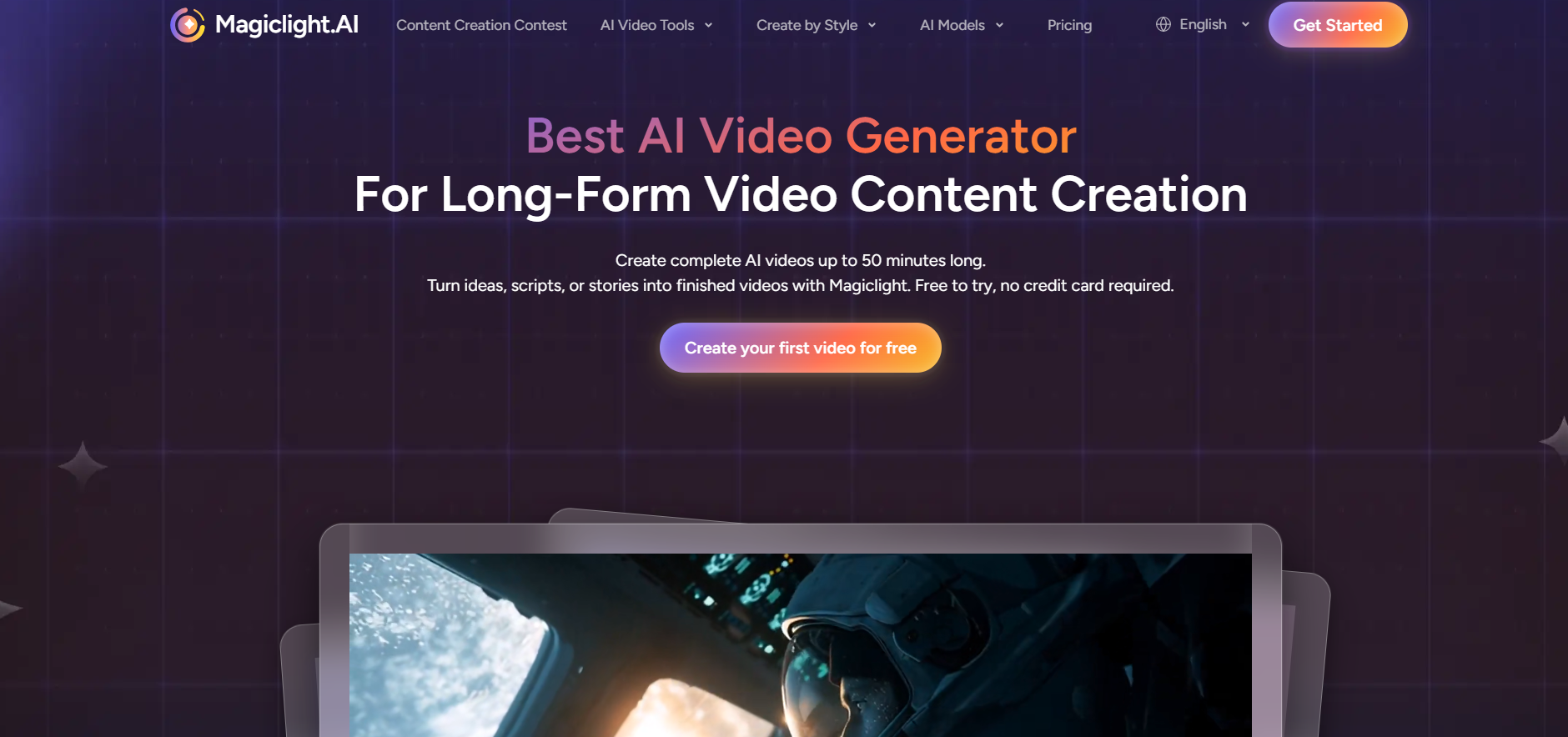
MagicLight AI is a combination of several aspects of AI technology, including video generation, text-to-video story development, text to image creation, and animation synthesis, resulting in an aesthetically pleasing and coherent video production.
What is MagicLight?
Magic Light AI is an artificial intelligence-driven platform for creating narratives.
The platform uses the Magic Light model to create images and videos. The platform automatically creates the storyboard, characters, and animations using these proprietary Magic Light image and video creation models.
Key Features of MagicLight
- Long-form AI Video Creation: Produces full narratives, including kids’ stories, tutorials, or small films, lasting up to 50–60 minutes.
- Consistent Characters: Makes sure the characters remain consistent in appearance during various scenes or frames, which is necessary when creating a story.
- Story-to-Video or Script-to-Video Generation: Turns textual stories, prompts, or scripts into video scenes with animations.
- AI Animation and Editing Features: The tool supports AI video editing, automatic scene detection, and image-to-video animation.
- Voiceover Services: Provides AI voiceover service, natural voiceovers, and even LipSync services for matching character lips with the audio.
- Workflows Using Templates: Provides pre-structured templates for producing common videos such as, for instance, “kids stories”.
Pros & Cons of MagicLight
Pros
- Well-reputed for keeping the same avatar appearance throughout all scenes, important for storytelling.
- Allows for the production of long video content (30-60 minutes) using text.
- Does not require professional editing skills; anyone can use it.
- Provides 10+ animation styles like 3D and anime.
- Has a free version with 300 credits to experiment without paying anything.
Cons
- Character consistency may sometimes not work, and output can be random.
- Some users have claimed that the tool is a fraud since there is no good customer support and hidden costs.
- There are limited editing tools available.
- The program works quickly for some people, but for others, it may take a long time to render long videos.
- Some reviewers say that the AI voice quality is bad.
How to Use MagicLight?
Step 1: Starting with An Idea or Script
First off, write down a small idea/story/outline/script. This could include details about the storyline, tone, characters, and even the setting of the film or video.
Step 2: Storyboard & Scenes Creation
MagicLight will analyze your script and will be able to produce a storyboard based on your content along with the scene description, visual design, and character action.
Step 3: Character & Style Customization
Select one style (Realistic, Animated, 2D, or Stylized). Also, you have options for adjusting the appearance of the characters, color, and scenes.
Step 4: Animation & Voice
The platform will generate an animation of the video, which includes animation of the characters, moving the characters, and adding an AI voice.
Step 5: Preview & Editing
Take a look at the video preview. If anything looks off, just re-generate that part, and make changes in the AI’s input.
Step 6: Download/Share
At last, download your final video or share it directly to any of the available social platforms.
Who Can Use MagicLight?
- Content Creators & YouTubers
- Marketers & Businesses
- Educators & Trainers
- Filmmakers & Screenwriters
- Graphic Designers & Artists
What Makes MagicLight Unique?
MagicLight is exceptional because of its capability to produce feature-length AI movies of up to 50 minutes through a single script while ensuring consistency in characters, style, and storytelling. This is not the case with other software such as the, Pika Labs, and Runway ML applications. MagicLight is an all-in-one solution for AI-based storytelling.
Pricing & Plan
- Standard Plan: $12.00 per month. Gets you 6,000 credits per month. Best for experimentation (approx. 10 one-click story videos).
- Plus Plan: $26.00 per month. Gives you 15,000 credits per month. Can produce up to 30 one-click story videos.
- Pro Plan (Best Seller): $35.00 per month. Gives you 35,000 credits per month. The best option for creators, including access to Gemini 3, ChatGPT 5, Veo & Sora Series.
- Ultra Plan: $90.00 per month. 120,000 credits per month. Ideal for power users.
- Max Plan: $120.00 per month. 180,000 credits per month. Suitable for agencies requiring scalability.
Final Thoughts
Not only is MagicLight AI not another video AI solution but rather the storytelling platform that automates creation from script writing through character animation.