
Introduction
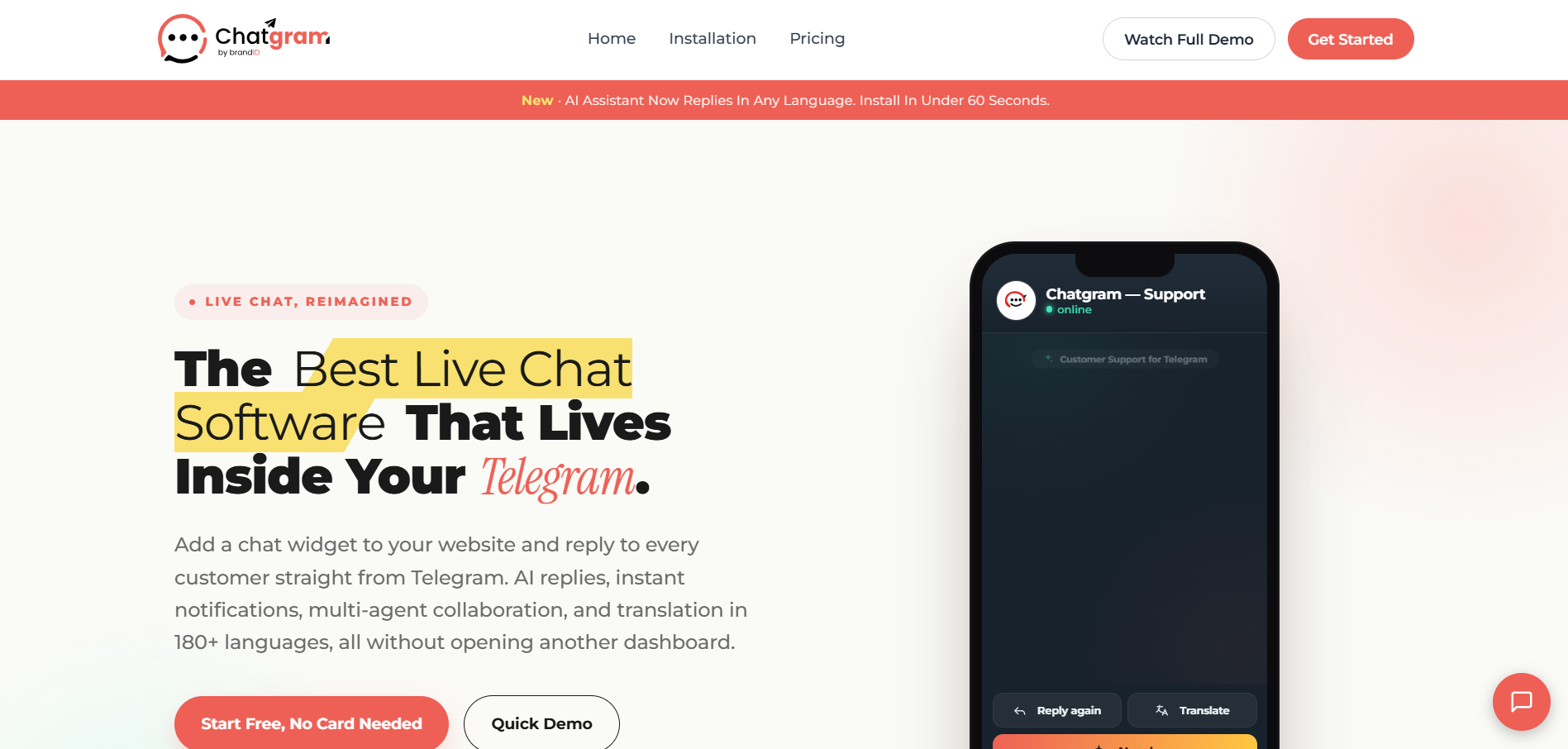
Chatgram is a live chat tool that connects your website directly to Telegram, letting your team answer visitor questions from an app they already use every day. It removes the need for a separate helpdesk dashboard by turning Telegram into your support inbox.
Built for small teams, founders, and growing businesses, Chatgram blends human and AI support in one place. Visitors get instant replies through smart AI, automated FAQs, and after-hours coverage, while your team stays in control without learning a new platform.
What is Chatgram?
Chatgram is an AI-powered live chat platform that routes website conversations through Telegram. Instead of logging into a complex support tool, agents receive and reply to chats right inside Telegram.
It combines a website chat widget with AI replies, automated FAQ responses, multi-agent tracking, and built-in auto-translation. This lets businesses offer fast, multilingual support without juggling multiple tools or hiring round-the-clock staff.
The platform is designed to be lightweight and quick to set up, making it ideal for teams that want professional live chat without the overhead of a full helpdesk suite.
Key Features of Chatgram
- Live Chat via Telegram: Reply to website visitors directly from Telegram.
- Smart AI Replies: AI answers common questions instantly and naturally.
- Automated FAQ Responses: Deflect repetitive questions with auto-answers.
- 24/7 After-Hours AI Support: AI covers conversations when your team is offline.
- Multi-Agent Tracking: Manage and monitor multiple agents in one place.
- Built-In Auto-Translation: Chat with visitors in any language automatically.
Pros & Cons of Chatgram
Pros
- No separate helpdesk dashboard to learn
- Works inside Telegram, an app teams already use
- AI handles FAQs and after-hours coverage
- Auto-translation enables multilingual support
- Fast, lightweight setup for small teams
Cons
- Relies on Telegram as the agent interface
- AI replies may need tuning for niche topics
- Free tier includes usage limits
- Best suited for small to mid-size support volumes
- Advanced reporting may be lighter than full helpdesk suites
How to Use Chatgram?
Step 1: Sign Up
Visit the Chatgram site and create an account to get started.
Step 2: Connect Telegram
Link your Telegram so chats route directly to your team.
Step 3: Add the Chat Widget
Install the Chatgram widget on your website with a simple snippet.
Step 4: Configure AI and FAQs
Set up smart AI replies, automated FAQ answers, and after-hours coverage.
Step 5: Start Chatting
Begin replying to visitors from Telegram while AI handles the rest.
Who Can Use Chatgram?
- Small business owners
- Startups and founders
- E-commerce and Shopify merchants
- Customer support teams
- Agencies
- Solo operators
What Makes Chatgram Unique?
Chatgram stands out by turning Telegram into a full live chat support channel, removing the need for a dedicated helpdesk dashboard. While most live chat tools force teams into a new platform, Chatgram meets them inside an app they already use.
The blend of smart AI replies, automated FAQs, after-hours AI coverage, and built-in auto-translation means even a small team can deliver fast, multilingual, around-the-clock support. This simplicity makes it a strong fit for businesses that want professional chat without the complexity.
Pricing & Plan
Free Plan – $0/month
- Core live chat via Telegram
- Limited monthly conversations
- Suitable for getting started
Pro Plan – Paid (subscription)
- Expanded conversation limits
- Full AI replies and after-hours support
- Multi-agent tracking and translation
Business Plan – Paid (subscription)
- Higher volume and more agents
- Priority support
- Advanced configuration options
(Visit the site for current pricing tiers and exact rates.)
Final Thoughts
Chatgram is a smart choice for teams that want live chat without the weight of a traditional helpdesk. By running support through Telegram and layering in AI replies, FAQs, and auto-translation, it delivers fast, multilingual coverage with minimal setup.
It is best suited for small and growing teams rather than large enterprise support centers, but for that audience it removes real friction. Overall, Chatgram is a practical, lightweight way to offer professional, 24/7 website support.