Introduction
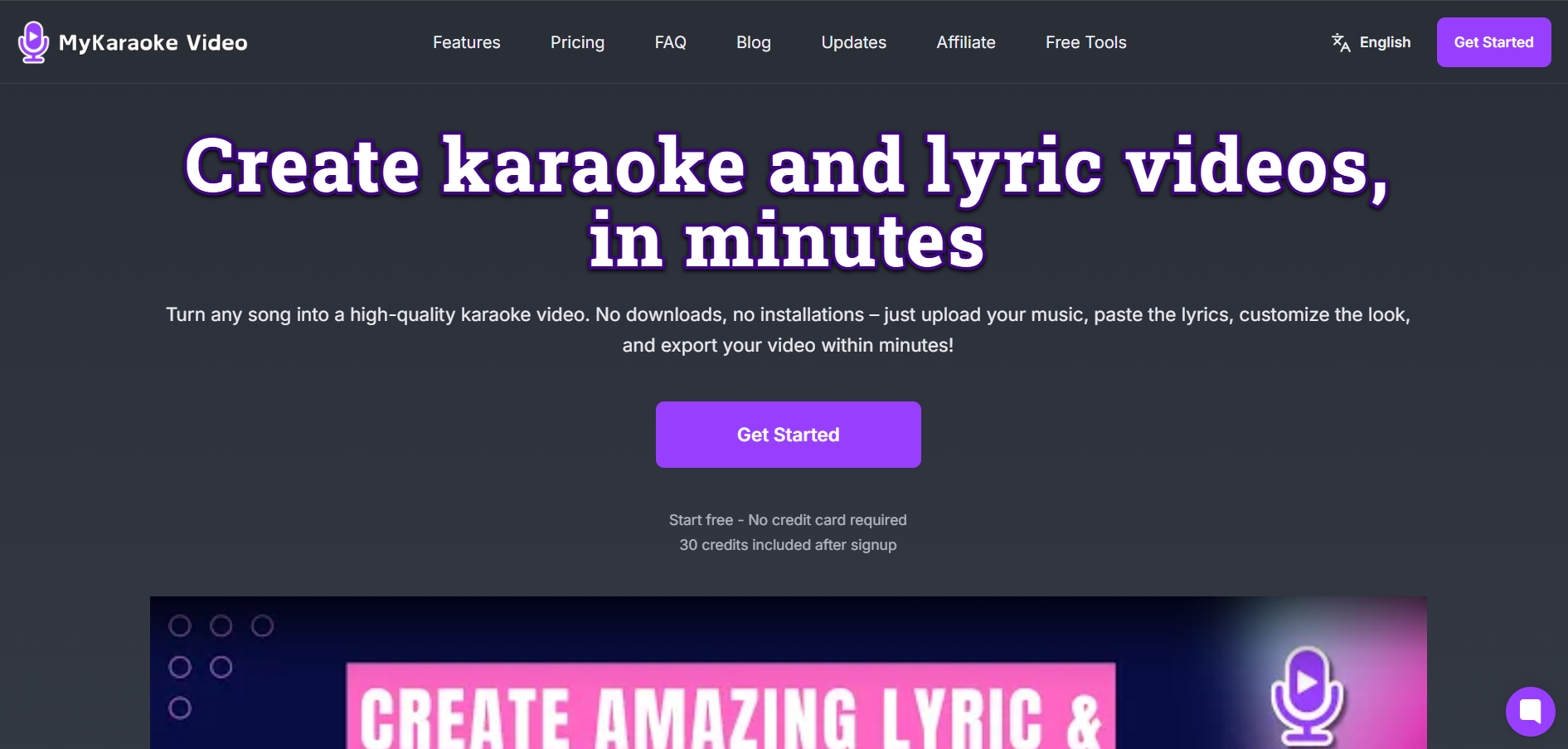
Karaoke videos are a great way to engage audiences, but creating them often involves tedious lyric syncing and video editing. MyKaraoke Video removes that complexity by helping users generate karaoke videos quickly with AI-powered automation.
Designed for musicians, creators, and karaoke fans, the platform streamlines the entire workflow from lyric synchronization to video creation. It’s a practical solution for anyone looking to produce high-quality karaoke content without spending hours on manual editing.
What is MyKaraoke Video?
MyKaraoke Video is an AI-powered karaoke and lyric video maker that runs entirely in your web browser. There’s nothing to download or install you upload your song, add the lyrics (or let the AI transcribe them), and the tool automatically removes the vocals and syncs the lyrics to the music.
It was built to replace the slow, clunky workflow of traditional karaoke creation, where people juggle multiple desktop apps for vocal removal, syncing, and video editing. Instead, everything happens
in one place, and a finished video can be ready in under five minutes.
It’s popular with karaoke YouTube channels, independent musicians, and home users because it produces clean, professional results at a much lower price than competing tools. It runs on a freemium model free credits to try it, with subscriptions and pay-as-you-go credit packs for more features and volume.
How Does it Work?
MyKaraoke Video focuses on automating the tedious parts of karaoke production. You upload a song file (or video), and the AI separates the vocals from the instrumental, then aligns the lyrics to the timeline automatically. From there you customize the look backgrounds, fonts, colors, animations preview it in real time, and export a 1080p MP4. Both a karaoke version (no vocals) and a lyric video version (with vocals) can be created from the same project.
Key Features of MyKaraoke Video
- 1-Click Karaoke Maker – Upload a song and lyrics, and the tool separates the vocals from the music and auto-syncs the lyrics all in under two minutes.
- 1-Click Lyric Video Maker – Create lyric videos with scrolling, perfectly synced lyrics. Ideal for musicians and creators promoting their songs.
- Automatic Transcription & Lyrics Sync – No lyrics on hand? The AI can transcribe them straight from the audio, or you can paste your own. Either way, they sync automatically to the vocals.
- Full Customization – Add your own images and videos or pick from royalty-free stock libraries, plus music visualizers, countdowns, and text overlays all with adjustable colors, positions, and animations.
- Duet Mode – Sync two voices and style each one with different colors, perfect for duet karaoke videos.
- Powerful Sync Editor – Fine-tune timing manually for frame-accurate alignment when you want full control.
- Instant Preview – Preview your video in real time, with or without vocals, before spending an export.
- 1080p MP4 Export – Render in 1080p MP4 on the cloud, so your device stays free. Subscribers get unlimited free queue-based exports, plus Instant Export when speed matters.
Pros & Cons
Pros:
- 100% browser-based no software download or installation
- AI-powered vocal removal and automatic lyrics syncing saves hours
- Exports both karaoke (no vocals) and lyric video (with vocals) from one project
- Significantly cheaper than the closest competitor, with more videos per month
- Clean, professional 1080p output with strong customization options
- Free queue exports for subscribers and flexible pay-as-you-go credits
Cons:
- Free trial credits are limited and trial videos include a watermark
- Premium AI sync and instant rendering consume more credits
- Music licensing for commercial use is the user’s responsibility, not included
- Focused specifically on karaoke/lyric videos rather than general video editing
How to Use MyKaraoke Video?
- Sign up at app.mykaraoke.video (no credit card required 30 free credits included).
- Upload your song file. Supported formats include MP3, AAC, WAV, FLAC, and more.
- Add lyrics by pasting them in, or use AI transcription to pull them from the audio.
- Let the AI remove the vocals and auto-sync the lyrics, then fine-tune timing in the Sync Editor if needed.
- Customize the background (color, image, or video), choose any Google Font, and set text, wipe, and outline colors.
- Preview in real time, with or without vocals, to confirm the sync.
- Export your karaoke or lyric video as a 1080p MP4 using free queue export or Instant Export.
Who Can Use MyKaraoke Video?
- YouTube Content Creators: For building karaoke and lyric video libraries quickly and affordably trusted by channels with 130K+ subscribers.
- Independent Musicians: For creating promotional lyric videos and karaoke versions of original songs for social media and streaming.
- Karaoke Hosts & Bar Owners: For making custom karaoke tracks for songs that aren’t available anywhere else.
- Beginners & Home Users: For anyone who wants synced lyrics on a song for parties, learning, or personal enjoyment, with no editing skills required.
Pricing & Plan
Pay As You Go
$0.00/mo. Buy credits only when you need them at $0.10 per credit, valid for 365 days. Includes watermark removal, the 1-Click Karaoke and Lyric Video Makers, and 1 concurrent export.
Standard Plan
$7.99/month (with 2 months free on annual billing). Includes 300 credits per month (valid 30 days), no watermark, 2 concurrent exports, background videos, free queue exports, presets and templates, transparent background exports, and 40% off credit purchases.
Premium Plan
$14.99/month (best value, 2 months free on annual billing). Includes everything in Standard plus 600 credits per month (valid 60 days, effectively one month of rollover), 5 concurrent exports, priority queue exports, MP3+G exports, early access to new features, prioritized feature requests, priority support, and 75% off credit purchases.
Custom Plans
Available for high-volume users or specific needs contact the team to work out the best option.
Credit usage example: a typical 3-minute karaoke video (basic AI) uses 6 credits. Queue exports are free for subscribers.
Conclusion
MyKaraoke Video makes it easy for anyone to create professional karaoke videos without advanced editing skills. With AI-powered lyric synchronization, customizable visuals, and a simple workflow, the platform helps musicians, content creators, and karaoke enthusiasts produce engaging sing-along videos in minutes. Whether you’re promoting music, growing a YouTube channel, or creating content for entertainment, MyKaraoke Video offers a fast and efficient way to turn songs into high-quality karaoke experiences.