
Introduction
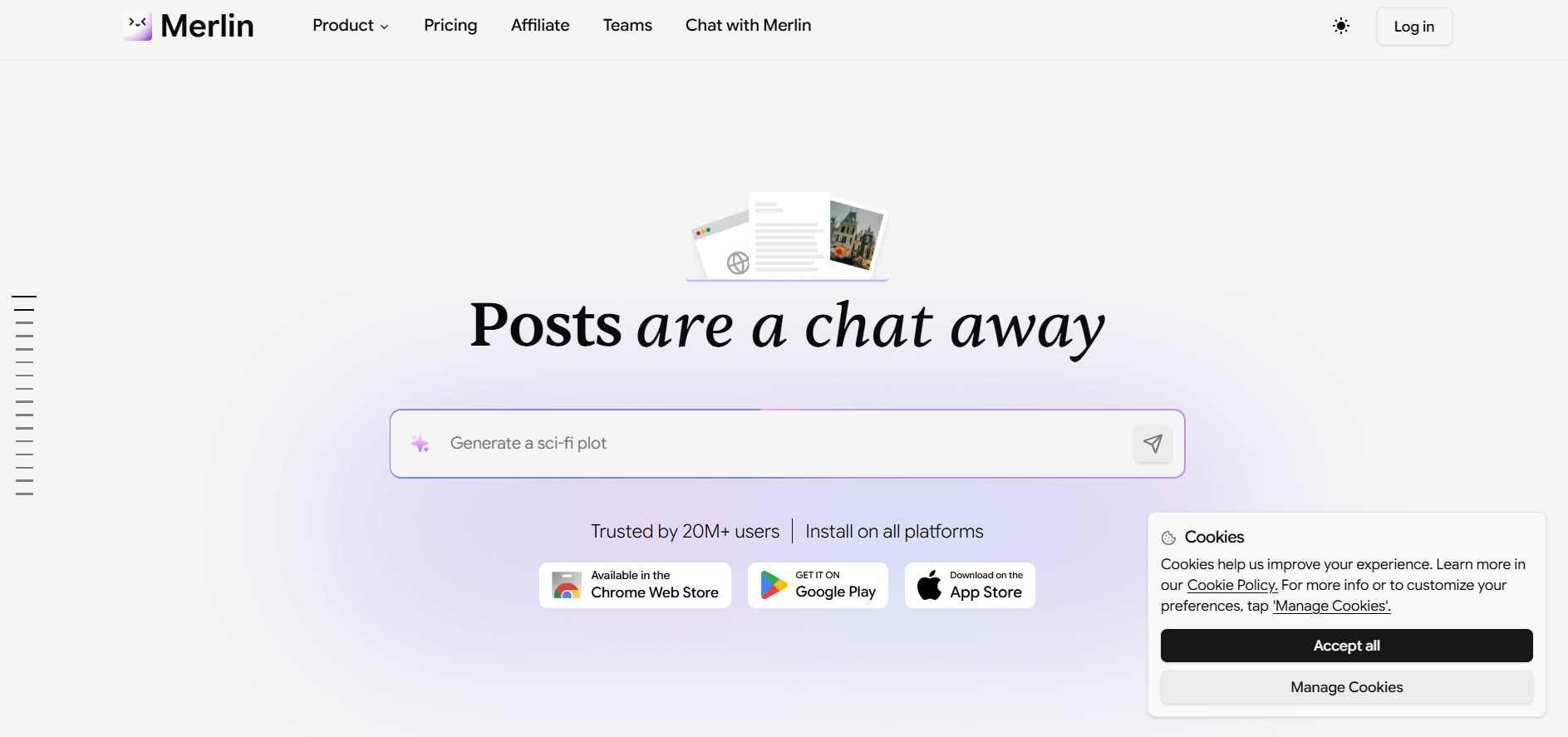
Merlin AI is the AI extension for the Chrome browser that turns your online experience into an intelligent workspace and provides both a website version and a mobile app version.
Also, with Merlin AI, you get access to the most advanced AI models, such as GPT-4, Claude, Gemini, Mistral, and other AI models, all in one place, without having to switch between tabs. All you need to do is press Ctrl+M for Windows users and Cmd+M for Mac users, and you will see a command bar appear.
What is Merlin?
It is an effective tool when you write, summarize, encode, generate graphics, conduct research, or manage replies on social media sites without moving windows. Merlin blends into your work without hassles by integrating with Gmail, YouTube, Google search, and LinkedIn.
Merlin is your virtual assistant who summarizes long blog entries or replies to important emails.
Key Features of Merlin
- AI Chat on All Websites: Chat with more than 20 AI models, such as GPT-4 and Claude-3, while browsing any website.
- Summarize Content: Automatically create summaries for YouTube videos, blogs, articles, PDFs, and PPTs.
- Improved Search Engine Results: Get AI-driven responses along with your search engine results.
- Productivity Features: Compose and edit Gmail emails, analyze code samples, and create AI-based images.
- Social Media Help: Create LinkedIn and Twitter posts, along with converting YouTube videos into tweets.
Pros & Cons of Merlin
Pros:
- Compatible with a web browser
- Time-saving without changing tools
- Versatile for different applications
- User-friendly and easy to navigate
- Functional on multiple websites
Cons:
- Limited use in free trial
- Premium functions demand payment
- Accuracy depends on prompt formulation
- Needs an active internet connection
How to Use Merlin?
Step 1: Install Extension
Install the Merlin AI extension on your web browser.
Step 2: Visit Websites
Visit any websites like Google, Gmail, LinkedIn, etc.
Step 3: Invoke Merlin
Call Merlin using the key combination Ctrl + M or Cmd + M.
Step 4: Give Prompt
Give your prompt.
Step 5: Use Output
Use the output provided.
Who Can Use Merlin?
- Writers of content and bloggers
- Students for writing research
- Digital marketers are making campaigns
- Professionals in handling emails
- Developers seeking prompt help
What Makes Merlin Unique?
The unique feature about Merlin AI is that it operates inside the browser itself, allowing users to engage with the AI software inside the same browser tab without having to change windows.
It is also very convenient because of its cross-platform nature and instant response time using just a shortcut button.
Pricing & Plan
Free
- 102 daily queries (refreshed every 24 hours)
- Basic model access.
Pro ($29/Month)
- Unlimited basic models
- 50x higher usage for “Plus” models (e.g., GPT-5, Claude)
- Advanced image generation
Teams ($19/seat/Month)
- Minimum 5 seats ($900/yr total)
- Team usage dashboard
- Enhanced security
- 50x usage limits
Final Thoughts
Merlin AI is a useful tool that can improve productivity when doing everyday things online. Merlin allows one to come up with content, summaries, and seek help without having to navigate through different websites.
Though it cannot take the place of personal opinion and skills, it definitely saves a lot of time.