
What is VEED.IO?
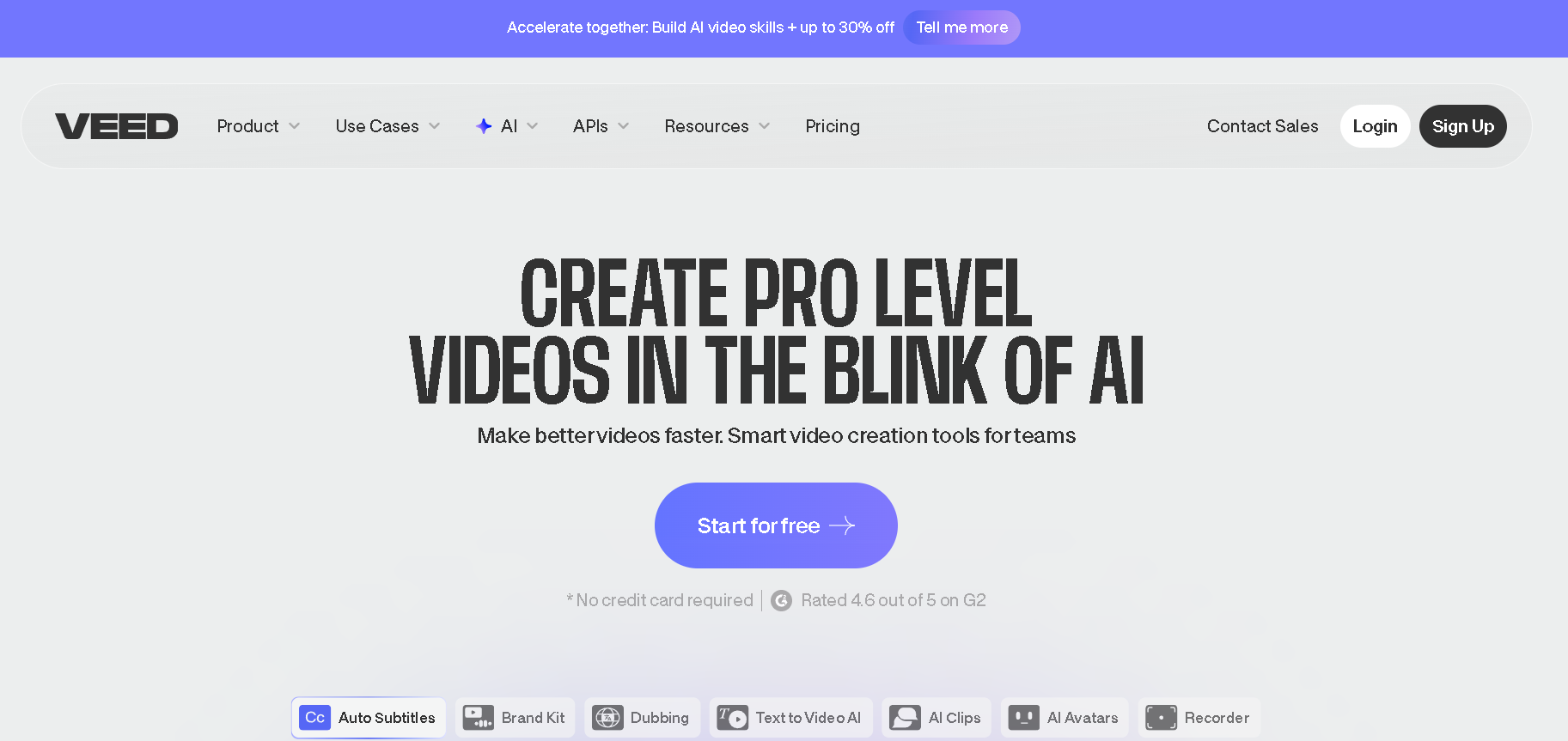
VEED.IO is an AI video editing tool that works in your web browser. You don’t have to download any software on your computer. You can just upload your videos, edit them, and then export them, all in your web browser.
VEED.IO was created to allow anyone to make professional videos without needing any special skills. If you need to add subtitles to your video, generate content from text prompts, or even record your screen, we can do it all in one place.
It is popular due to its features such as the addition of accurate subtitles automatically, making avatars, as well as video editing for social media without requiring any technical skills.
It operates using a freemium business model in that it offers free basic features but charges for its advanced features.
How Does it Work?
Veed.io is focused on helping users simplify video creation. Users can upload, record, or even create videos using AI avatars and edit them using a timeline editor, add auto-subtitles, stock media, effects, and text, and export them for social media sites.
Key Features of VEED.IO
Social Media Video Creation
Create videos for social media with ease, thanks to the available templates and aspect ratio tools.
AI-Powered Editing
Use the artificial intelligence to add subtitles, create voiceovers, and more.
Studio-Quality Videos
Take your videos to the next level with the help of professional-grade tools, all within a simple interface.
Custom Branding
Stay consistent with your brand identity by adding your logos, colors, and fonts.
Collaboration Tools
Work together with your team on video projects with the help of VEED.IO’s collaboration tools.
Quick Export Options
Export videos in multiple formats for ad, web, and social media use
How to Use VEED.IO?
- To begin a new project, click “Create Project” after logging in to veed.io.
- You can upload files from your computer, Dropbox, and even record using VEED’s camera, screen, and both.
- You can also use the “split” feature to cut out unwanted sections, rearrange videos using drag and drop, and adjust the volume levels and fade in/out.
- You can also automatically add subtitles using AI and add text overlays like headlines.
- You can also add other features like progress bars, sound waves, Emojis, shapes, and animated GIFs.
- You can also make use of AI features like Eye Contact, Background Removal, and Text to Video.
- Click “Done” and “Export” to download and share your video.
Who Can Use VEED.IO?
- Content Creators & Influencers : For creating, editing, and converting content for platforms such as TikTok, YouTube, and Instagram Reels.
- Marketers & Businesses : For creating promotional videos, ads, content, and much more in an efficient way.
- Educators & Trainers : For creating e-learning content, tutorials, training videos, etc.
- Beginners & Non-Editors : For those who need an easy drag-and-drop editor to add subtitles, trim videos, and even apply effects.
Pros & Cons
Pros:
- Easy to use, even for beginners
- Good auto-subtitles and captions tools with Strong AI
- No software download required, browser-based only
- Decent template options for social media content creation
Cons:
- Can be glitchy with large or long videos
- Export problems experienced by some users
- Has watermark and limitations on the free version
- Lacks advanced features for professional video editing
Pricing & Plan
The Free Plan
The price is $0. The plan has the VEED.IO watermark on videos, 720p export quality, and a video length limit of 10 minutes. The storage limit is 2GB.
The Lite Plan
The price is $19/month/editor. The plan has no watermarks, full HD export quality of 1080p, captions/subtitles of 12 hours/month, access to the full stock audio and video library, a limited brand kit, and 5 videos/day for Gen-AI Studio.
The Pro Plan
The price is $49/month/editor. The plan is recommended. The plan has all the features of the Lite Plan, unlimited Gen-AI Studio videos, 20 minutes/month of translation to 50+ languages, 15+ AI tools such as clean audio, eye contact, AI clips, 12 hours/month of text-to-speech, and a full brand kit.
The Enterprise Plan
The price is custom. The plan has custom pricing for teams. The plan has custom templates, team management, custom AI avatars, multiple brand kits, advanced security with SSO, and priority support.