
What is Clipdrop ?
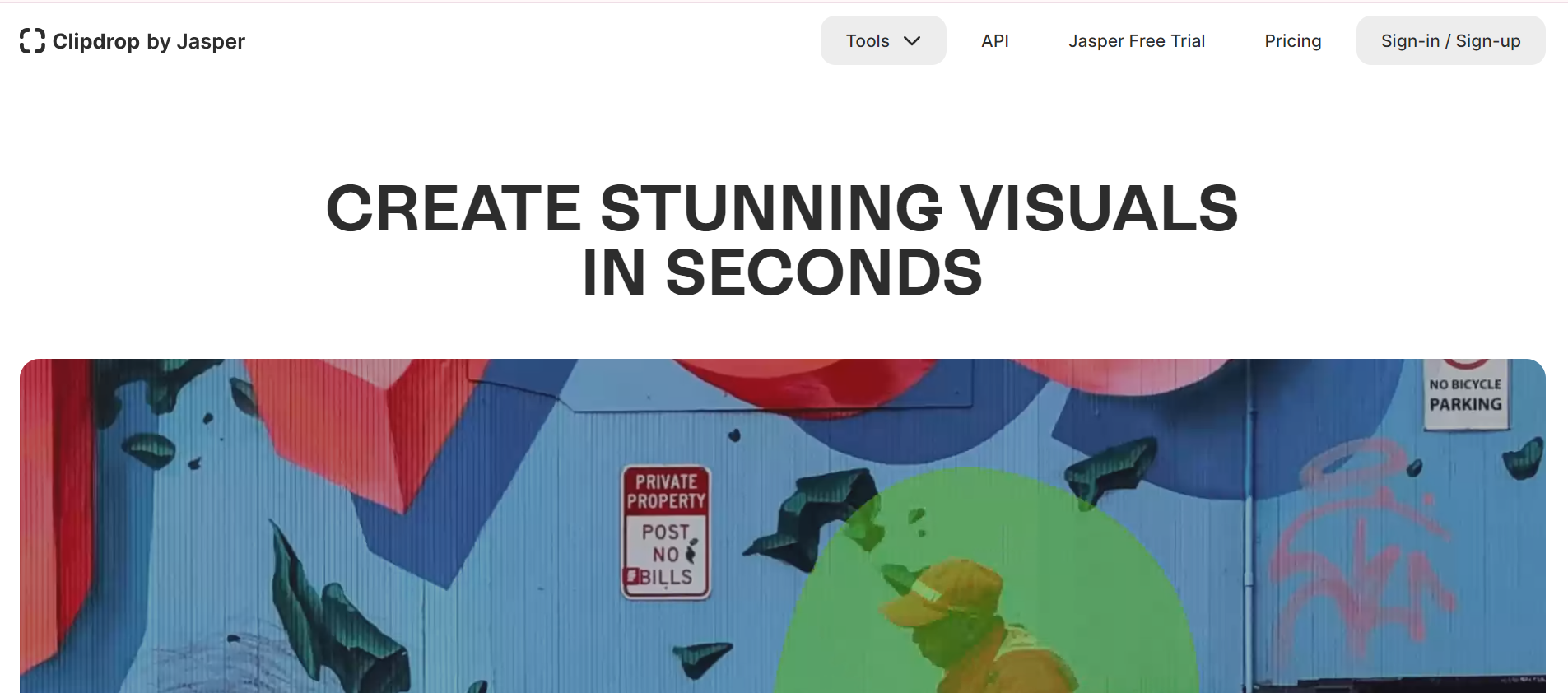
Clipdrop is an AI-powered toolkit that makes generating visuals easier and faster. It employs artificial intelligence to automate a wide range of picture editing operations, allowing you to produce professional-looking results without extensive editing knowledge.
Features
-
Real-time Object Recognition:
Uses AI-powered algorithms to identify and extract objects from photos obtained by the device’s camera.
-
Seamless Integration:
Allows for the seamless transfer of captured objects into a variety of digital formats, including papers, presentations, and design projects.
-
Cross-platform compatibility:
Supports integration with standard digital tools and platforms, allowing users to increase workflow efficiency.
-
Advanced editing tools:
The software includes capabilities for improving and manipulating captured items, such as cropping, resizing, and altering colors.
-
Cloud Sync
Users can access their captured content from numerous devices by syncing with cloud storage options.
How to use Clipdrop?
- Visit the Clipdrop website or download the app from the App Store or Google Play.
- Sign in with Google or create an account using your email address.
- Some features are free, but full access requires a subscription plan.
- On the website, select the desired feature (such as Remove Background, Cleanup, or Relight).
- Upload images by dragging and dropping or browsing files.
- Save and download altered images using the “Download” button on the site or mobile app.
Who is using Clipdrop?
- Graphic designers are responsible for removing backgrounds and cleaning up images.
- Photographers can adjust and increase lighting in their pictures.
- E-commerce enterprises require quality product photographs.
- Marketing experts who create visual content.
- Material developers for blogs, YouTube thumbnails, and digital material.
- Artists and illustrators provide seamless image editing.
- Students and instructors collaborate on projects and teach image editing techniques.
What makes Clipdrop unique?
Clipdrop is unique in that it uses AI to remove backgrounds quickly and accurately, making it a useful tool for both beginners and pros. It provides a variety of capabilities, including cleanup, inpainting, and relighting, all within an easy-to-use interface.
Pros and Cons
Pros
- It automatically removes persons, objects, text, and faults from photos.
- It can accurately extract a picture’s primary subject and replace the backdrop with anything.
- It can relight photographs with stunning lighting and upscale them 2x or 4x in seconds.
- It uses AI to create high-resolution realistic images and various versions.
- Use it for e-commerce, real estate, auto resellers, and team photographs.
Cons
- It may fail with complex or low-quality photos.
- It may lose image details and colors.
- Not all devices and systems can support it.
- Subscriptions or payments may unlock full features or remove watermarks.
- Use without permission or acknowledgment may violate ethics or law.
Pricing and Plan
Free Plan
The Free plan, which costs $0 a month, provides Stable Diffusion turbo, Uncrop, and Swap functions, as well as Watermark, Background Removal, and an Image Upscaler x2.
Pro Plan
The Pro plan, which costs $9 a month, includes 10,000 Standard Queries and access to GPT-3.5, Claude, Gemini, and other tools, as well as 400 Advanced Queries that include GPT-4 and Claude-2, and 400 picture edits.
Unlimited Plan
For $24.9 per month, the Unlimited plan includes additional capabilities including Stable Diffusion XL, Stable Diffusion Turbo, High-Resolution Background Removal, Image Upscaler x16, and Stable Doodle.
FAQs
1. Can Clipdrop make unique images in addition to altering old ones?
Yes! Clipdrop lets you create whole new images based on the text descriptions you provide.
2. What type of image editing abilities are required to use Clipdrop?
Clipdrop is intended to be user-friendly, so even those with limited editing knowledge can get started. The AI performs complex tasks, freeing you to concentrate on your creative idea.
3. Where can I find Clipdrop lessons and support guides?
Clipdrop features a resource section with tutorials, FAQs, and articles to help you get the most from the platform.